
Download BlueMail today.
Free, beautifully designed and ready on every device you own. Pick a platform below and start in less than a minute.
 Download for Mac
  Download for Windows 11, 10
  Download for Windows 8/8.1 (.exe) Download for iOS
  Download for Android
  Download for Linux
 Unlimited accounts. Any provider.


BlueMail for iOS
iPhone & iPadBlueMail for Android
Phones & TabletsBlueMail for Mac
Apple Silicon & IntelBlueMail for Windows
Windows 10 & 11BlueMail for Windows 8/8.1
Direct installerBlueMail for Linux
Most distributionsPick up exactly where you left off.
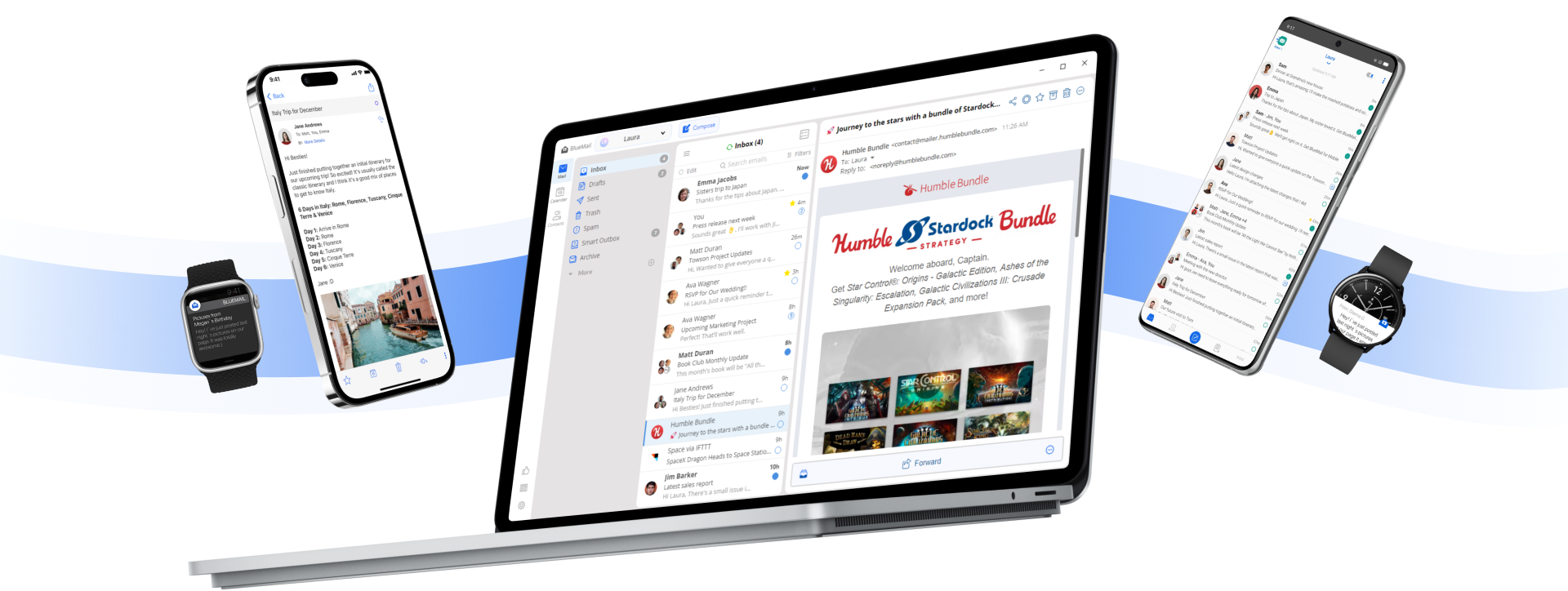
Magic Sync keeps your read state, drafts, snoozed messages and folder structure perfectly aligned across every device you use.
The short answers.
Which platforms does BlueMail run on?
Every major one — iOS, Android, macOS, Windows and Linux. You get the same beautifully consistent experience on each, so you can pick up right where you left off — your inbox, settings and preferences always up to date across every device.
Which email providers are supported?
All of them. BlueMail supports IMAP, Exchange (ActiveSync), POP3, Office 365, Gmail, Yahoo, iCloud, Outlook and any other standard provider.
How does BlueMail protect my data?
BlueMail encrypts data in transit and at rest, with optional end-to-end PGP encryption for your most sensitive conversations. Keys never leave your device unencrypted.
Where do my emails actually live?
With your provider — never on a BlueMail server. BlueMail is a direct client: it connects straight to the email service you already trust (Gmail, Outlook, iCloud, Exchange or any IMAP account) and fetches your messages right from the source. There's no middleman in between, so your mail travels directly between you and your provider — private by design, on every device.
How does BlueMail work offline?
Seamlessly. Read, compose and organize your mail with no connection at all — anything you write is queued and delivered automatically the moment you're back online, so your inbox stays complete and up to date wherever you are.