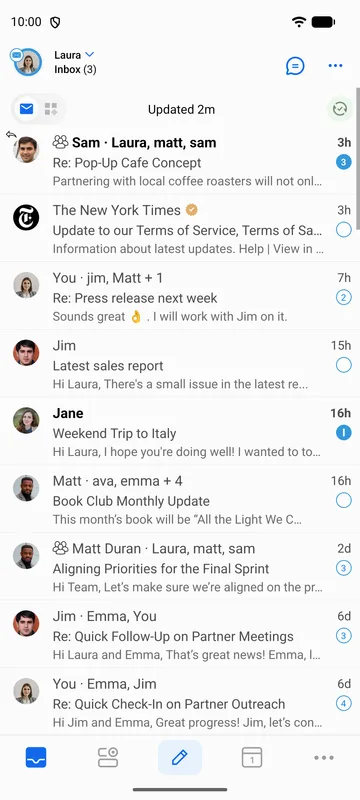
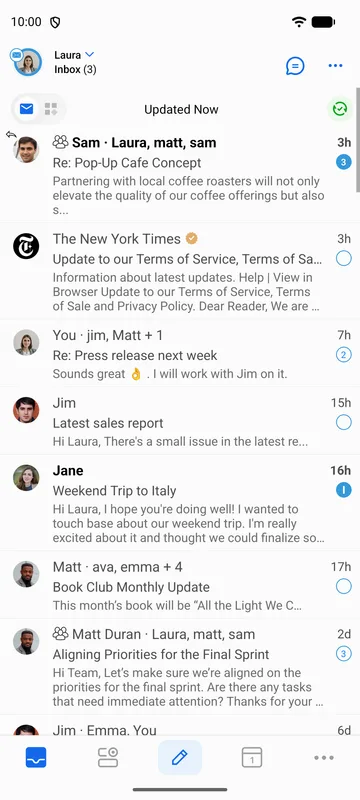
BlueMail antaa sinun hallita, kuinka monta riviä sähköpostiviestin rungosta näytetään viestiluettelon esikatselussa.
Jos haluat muuttaa esikatselurivien määrää:
- Siirry kohtaan Asetukset | Yleiset asetukset | Mukauta ulkoasua | Esikatselun rivien määrä.
- Valitse 1–4 riviä.