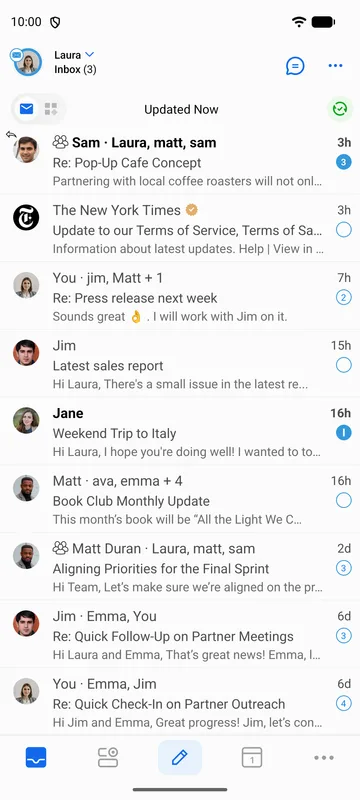
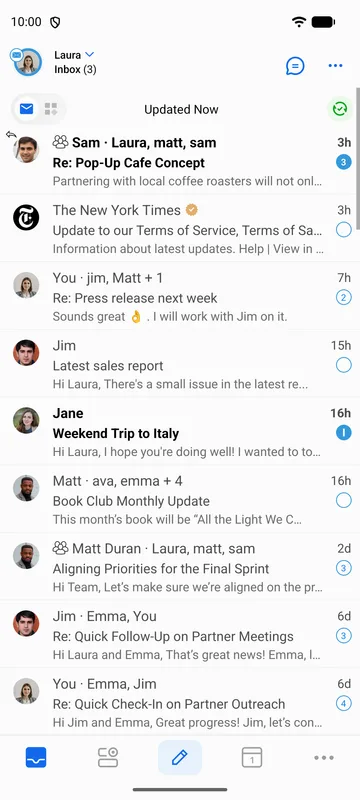
BlueMail antaa sinun valita, miten lukemattomat sähköpostit merkitään visuaalisesti viestiluettelossa.
Vaihda lukemattoman merkintätyyli:
- Siirry kohtaan Asetukset | Yleiset asetukset | Mukauta ulkonäköä | Lukemattoman merkintä.
- Valitse seuraavista vaihtoehdoista:
- Lähettäjä — Korostaa lähettäjän nimen lukemattomissa sähköposteissa.
- Lähettäjä ja aihe — Korostaa sekä lähettäjän nimen että aiheen.
- Ei mitään — Ei visuaalista merkintää lukemattomille sähköposteille.