
BlueMail näyttää yhteystietojen avatarit sähköpostien vieressä viestiluettelossa. Voit kytkeä tämän päälle tai pois.
Näytä tai piilota avatarit:
- Siirry kohtaan Asetukset | Yleiset asetukset | Mukauta ulkoasua.
- Kytke Näytä avatarit päälle tai pois.
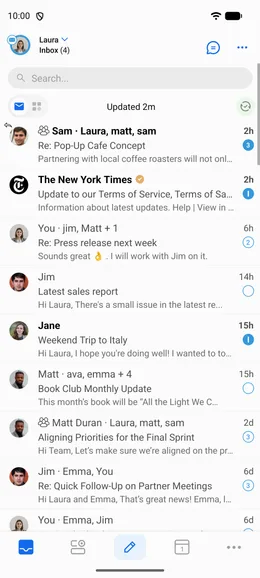
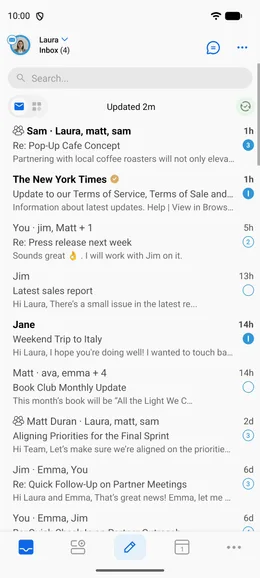
BlueMail näyttää yhteystietojen avatarit sähköpostien vieressä viestiluettelossa. Voit kytkeä tämän päälle tai pois.
Näytä tai piilota avatarit:
