
Řádek odpovědi usnadňuje a zrychluje odpovídání na e-maily tím, že uchovává možnosti odpovědi snadno přístupné.
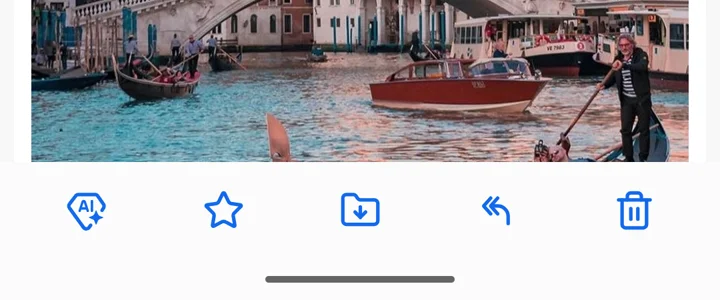
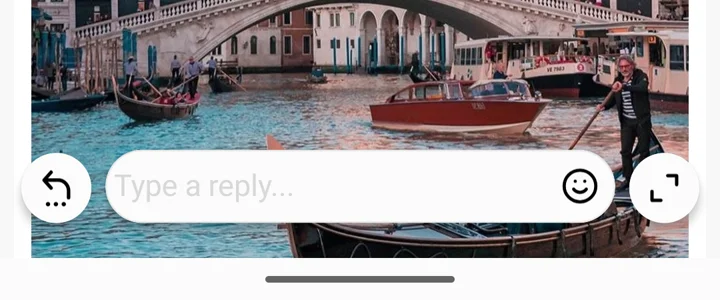
S moderním Řádkem odpovědi můžete:
- Odpovídat okamžitě bez nutnosti otevřít psaní zprávy jak z konverzace, tak z pohledu e-mailu.
- Zůstat v rámci konverzace pro plynulý zážitek.
- Snížit počet zbytečných klepnutí a zjednodušit svůj pracovní postup.
Preferujete klasický vzhled? Přepněte se zpět kdykoli
Představili jsme moderní Řádek odpovědi pro lepší zkušenost s e-mailem, ale pokud dáváte přednost klasické verzi, můžete se snadno vrátit zpět.
Přejděte na Settings > Global Settings > Advanced Features, poté otevřete Řádek odpovědi a vyberte Klasický.
Mezi moderním a klasickým zobrazením můžete kdykoli přepínat podle své preference.
