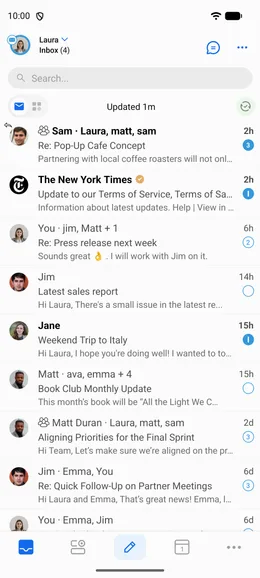
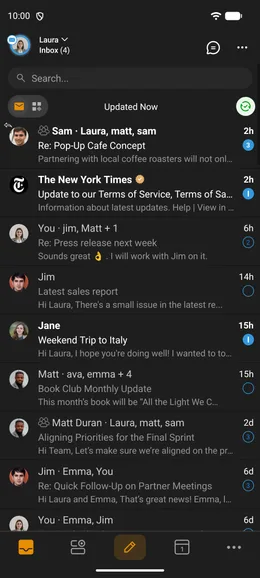
BlueMail's Dark Mode is easy on the eyes, especially at night — and you can customize it to fit your preferences.
Enabling Dark Mode
Go to Settings | Global Settings | Customize Appearance | Dark Mode to enable it.
Customizing Dark Mode
- Auto Dark Mode: Automatically follows your device's Dark Mode setting.
- Scheduled Dark Mode (premium) — Automatically enables the dark theme during hours you set, using Dark Mode Start Time and Dark Mode End Time.
- Display icons in Orange: While in Dark Mode, shows icons in orange for better visibility.
Mail View Theme
Choose how emails are displayed:
- Use App Theme — mail view follows your app theme.
- Dark Mode — mail view always in dark.
- Light Mode — mail view always in light.