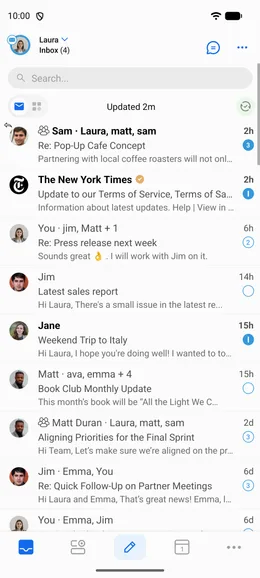
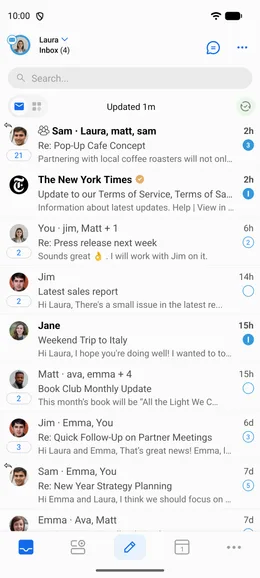
Cluster mode organizes your inbox by grouping emails from the same sender or service, so keeping on top of your email is easier.
To turn Clusters on or off, tap the account picker at the top-left of the screen, then tap Cluster and choose one of:
- On: Clusters all emails, including people, groups, and services.
- Only Services: Clusters emails from services only, leaving people and groups unclustered.
- Off: Disables clustering for all emails.
You can change this setting at any time from the same menu.
Not the Cluster Setting You Were Looking For?
Three different things in BlueMail are called clusters, and each has its own control:
- Your inbox is grouped by sender or service. That's Cluster mode, the Cluster tile in the account picker, above.
- A line above the sender inside an email shows the number of emails in a cluster. That's Interactions, a separate feature with its own switch: turn off Enable Interactions under Settings | Global Settings | Advanced Features.
- You want to change what happens when you tap a cluster. That's Cluster Settings, under Settings | Global Settings | Clusters. That screen controls cluster behavior only, the on/off choice is the account-picker tile above, not here.
Learn more about how Avatars work in Cluster Mode.