
BlueMail displays contact avatars next to emails in the message list. You can toggle this on or off.
To show or hide avatars:
- Go to Settings | Global Settings | Customize Appearance.
- Toggle Show Avatars on or off.
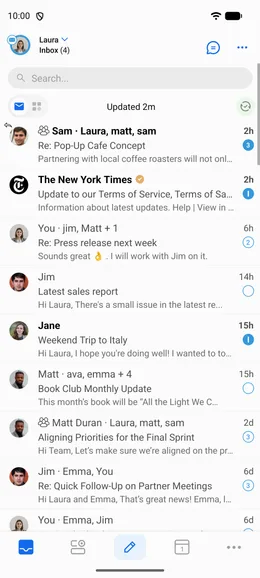
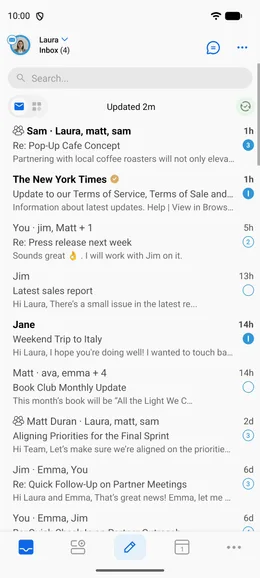
BlueMail displays contact avatars next to emails in the message list. You can toggle this on or off.
To show or hide avatars:
